
Clients and sites
Each client has any number of sites, each with an address, a clock-in radius, instructions and required licences.
For field service
Schedule technicians to client sites, see when they arrive, capture what was done with a checklist, photos and an on-site signature, and turn the hours into approved timesheets.
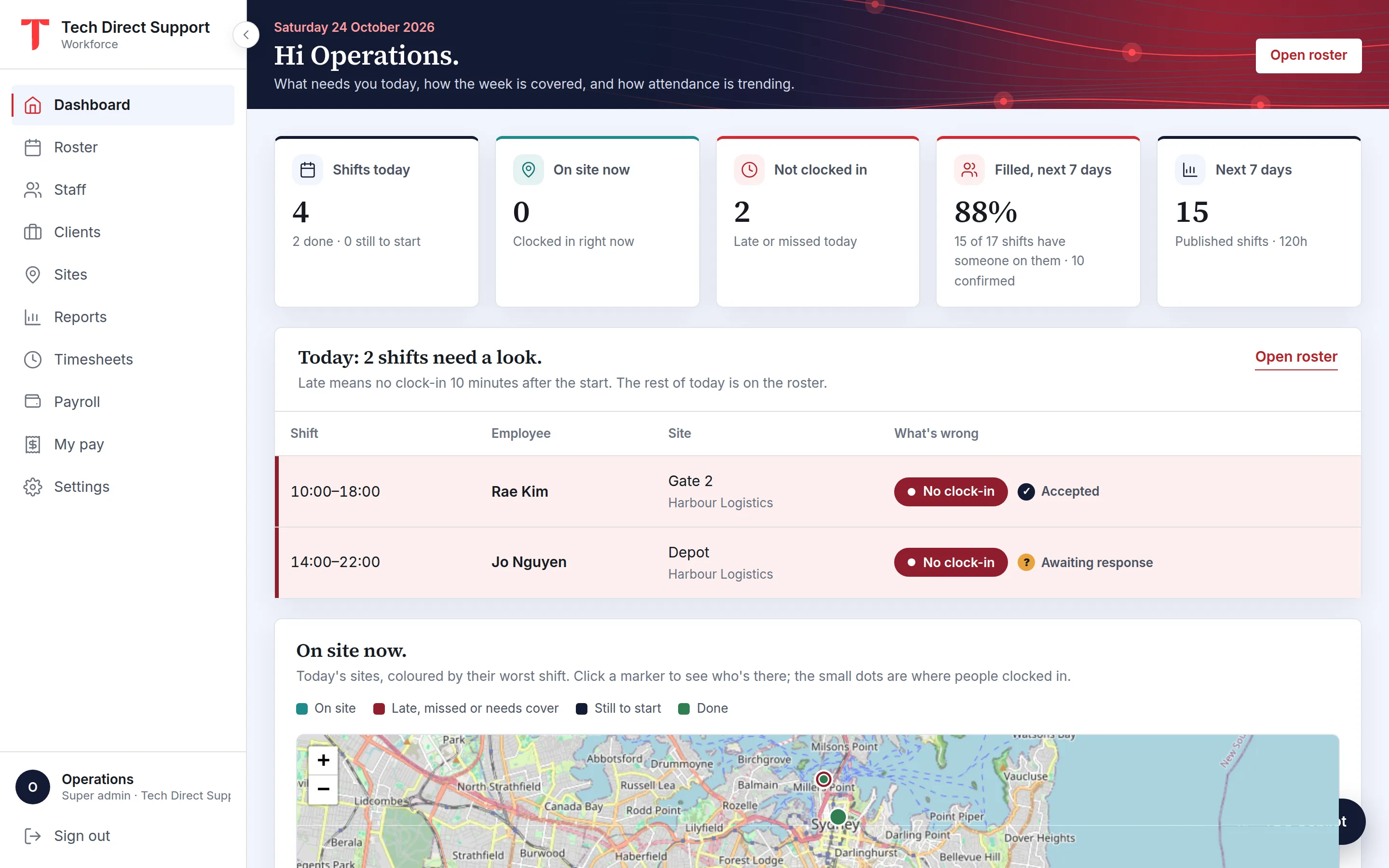
Each client has any number of sites, each with an address, a clock-in radius, instructions and required licences.
A checklist of the visit's tasks, a photo, and a signature from the client's representative at clock-out.
Approved hours by client and site, ready to download as Excel or CSV for invoicing.
Field work is organised by who you're working for and where. Every shift is booked against a client and one of their sites, and the client's name is shown with the site everywhere: the roster, the app, emails and reports.
Sites carry what technicians need: the address, instructions, the duties for the visit, and the licences required, such as an electrical licence, an ACMA cabling registration or a white card for construction sites.
A technician clocks in from their phone on arrival. The clock-in is checked against the site's radius and stored with the distance and the GPS accuracy, so the arrival time on your report is one the client can trust.
At clock-out, the tasks for the visit appear as a checklist, and anything not done needs a reason. A photo of the finished work and a signature from the person on site complete the record.
Each visit becomes a timesheet entry with its clock-in and clock-out times. Managers approve them weekly, and the Shifts and hours report filters by client, site and staff, with scheduled against worked hours. Download it as Excel or CSV and the billing figures are already there.
Give each site the rate the client pays per hour and the roster shows admins the week's charge against its labour cost, so the margin on a contract is visible before the work is done.
Questions
No. You assign each visit to a person and a time. The dashboard map shows today's sites and who is at each.
Yes. Each visit is its own shift at its own site. One person's shifts can't overlap, and short gaps between them are fine.
Clients with roster emails turned on get the visits at their sites when the roster is published, and each morning a summary of the day before with clock-in and clock-out times.
Keep reading
Features
Clock-ins checked against each site's radius or made on a site kiosk, with breaks, photos, checklists, signatures and alerts.
Features
Timesheets built from clock-ins, approved by managers or automatically, paid at your rates, and exported to payroll.
Time and attendance
What a geofence is, how accurate phone GPS really is, how to choose a radius for each site, and how to explain location checks to your staff honestly.
Ask for a demo and we'll walk you through the portal and the app on your time zone. Plans start at A$5 a person a month, with 30 days free. Already set up? Sign in.