
Many buildings, odd hours
Overnight and split shifts across dozens of sites, with repeating shifts for standing contracts.
For cleaning and facilities
Roster cleaners and facilities staff across many buildings and odd hours, check they clocked in at the right one, and give clients a summary of each night's work.
Overnight and split shifts across dozens of sites, with repeating shifts for standing contracts.
The scope of work for each shift as a checklist, with a photo of the finished job.
Each client can get a summary of the day before's shifts at their sites: who came, when, and whether they were on time.
Cleaning contracts run on the same pattern for months. Set a shift to repeat every week or every two weeks on chosen days, for up to a year. When the contract changes, edit one shift and apply it to the rest of the series; shifts already worked are left alone.
Overnight shifts are handled properly: an end time at or before the start runs into the next day, and the shift belongs to the night it started.
Put the scope of work in the shift's duties, one per line: bins emptied, floors mopped, bathrooms restocked. At clock-out the cleaner works through it, and anything skipped needs a reason. A photo and a signature from the building manager can be added.
Supervisors see what was done shift by shift, and the timesheet shows the done-out-of-total count, so the cleaning that didn't happen is visible before the client notices.
Schools, aged care homes and hospitals often require a working with children check, an NDIS worker screening check or a national police check. Make them required at the site, and only cleared staff can be rostered or clock in there.
Questions
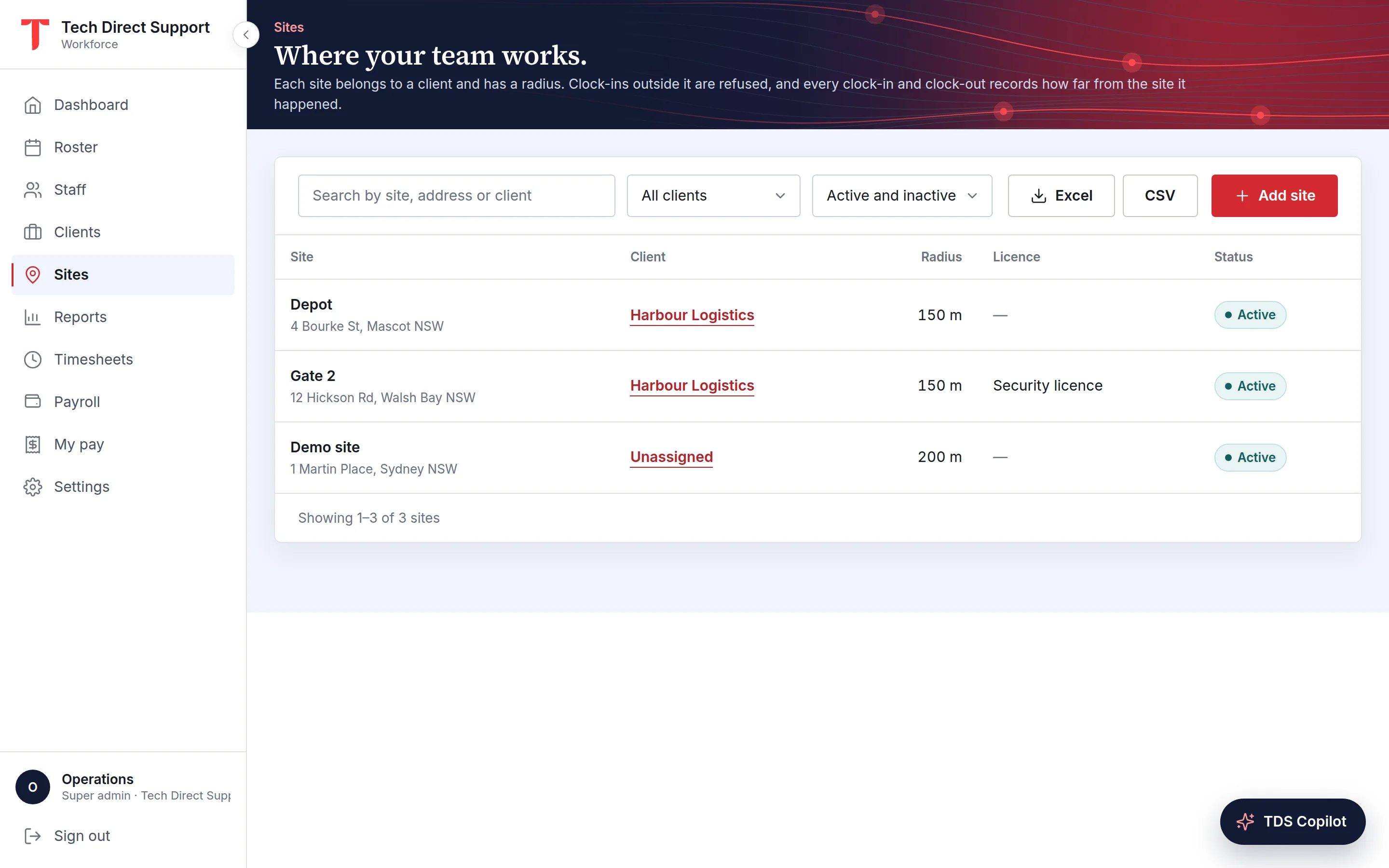
Yes. Each clock-in is checked against the building's location, and if nobody has clocked in shortly after the start, the cleaner and their manager get a push notification.
Yes. Hourly staff are paid for approved hours and salaried staff their monthly salary, in the same monthly run.
Not if the building has a kiosk: a tablet on site where each cleaner taps their name and enters their PIN. Otherwise they clock in from a phone with location services, using the Android app or the web portal.
Keep reading
Features
Build the week by site or person, fill gaps automatically, offer open shifts and approve swaps, then publish by email and push.
Features
Clock-ins checked against each site's radius or made on a site kiosk, with breaks, photos, checklists, signatures and alerts.
Payroll · Timesheets
A step-by-step month-end routine for shift-based teams: close out missing clock-ins, review exceptions, approve hours, lock the month and export to payroll.
Ask for a demo and we'll walk you through the portal and the app on your time zone. Plans start at A$5 a person a month, with 30 days free. Already set up? Sign in.